Low Range Offroad 4x4 Guides Hub
Technical trail tutorials for MTBAce Studios' Early Access Roblox offroad sim — line choice, setup, winch, and fuel.
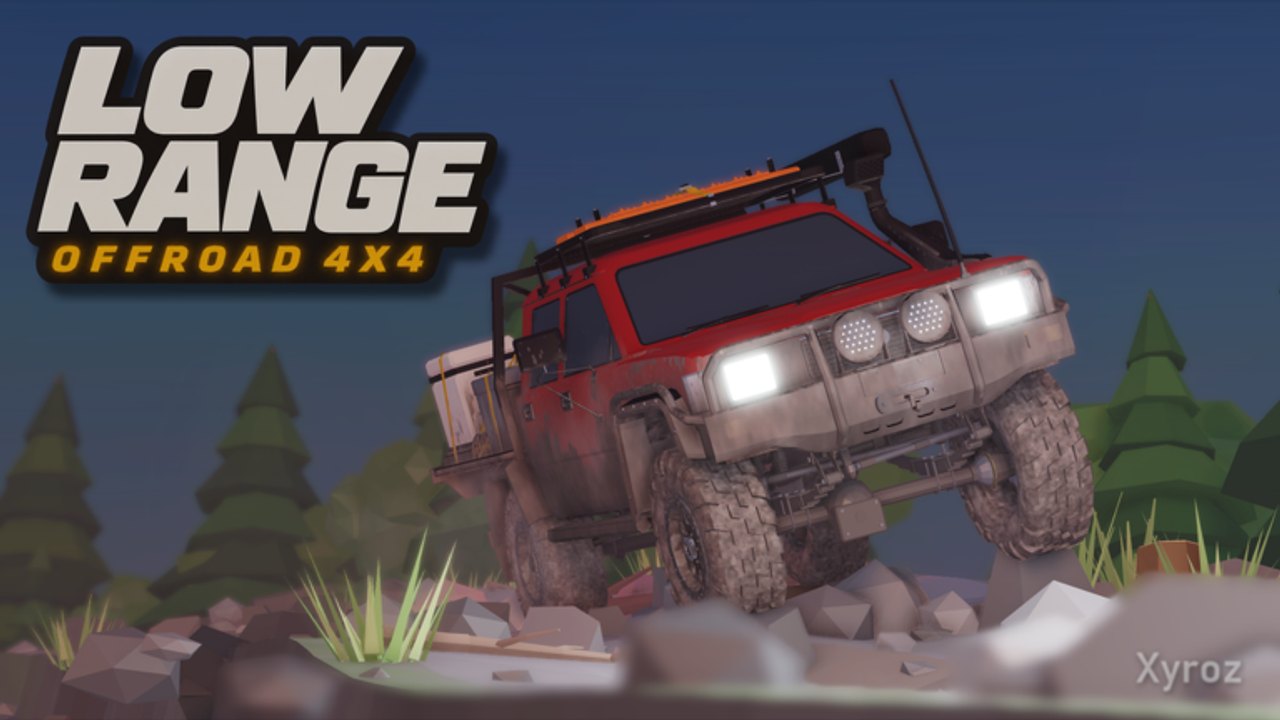
Welcome to the Guides Hub for Low Range: Offroad 4x4 on Roblox. This Early Access experience from MTBAce Studios is a slow, technical offroad driving game. Each stage is one trail from start to finish, inspired by real tracks. Speed will not save a bad line. Reading the ground and setting up your truck will.
Use this hub as your map into every how-to on the wiki. New players should start with Getting Started, then lock in Controls before the first hard climb. When the trail steepens, open Truck Setup for tire pressure, differential locks, and low range. When you are buried, Winch Guide covers anchors and pull direction. Keep Fuel and Checkpoints bookmarked so 4WD use and cache stops stay intentional. For ground-reading drills and when not to copy tire tracks, open Reading Terrain; for a Stage 1 classroom run, open Ridgeback Creek.
What this game rewards
Low Range is not an arcade racer. Mud, roots, rock, and water all change grip and climb. Mud ruts deepen for everyone on the server as trucks pass, so a line that worked five minutes ago can be worse when you arrive. Fuel caches refill your tank and act as checkpoints. Keyboard, mouse, and controller are supported. Servers hold up to 20 players. You can drive solo or with friends and winch each other free.
Because the game is Early Access, bindings, HUD labels, and stage layout can change. Prefer the in-game prompts when they disagree with an older video, and treat community key tips (such as airing down with 4, locking diffs with K, and selecting L / L+) as widely reported rather than permanently fixed.
Start here if you are new
- Finish one short practice stretch where you can stop and reverse on command — see Getting Started.
- Confirm throttle, brake, reverse, gear modes, and camera on your device — see Controls.
- Before the first muddy or ledged section, practice tire pressure, diff lock, and low range on easy ground — see Truck Setup.
- Spot a tree or a friend’s truck before you commit to a no-backup hole — see Winch Guide.
- At every fuel cache, refill and decide whether the next stretch is worth heavy 4WD burn — see Fuel and Checkpoints.
Guide directory
Getting Started
Day-one walkthrough for Roblox players joining Low Range Offroad 4x4 for the first time: how stages work, how to pick a line through mud and rock, when to change setup, and how solo versus co-op runs differ. Ideal first read before you burn a tank on a dead-end rut. Open Getting Started.
Controls
Input overview for keyboard, mouse, and controller. Covers starting the engine, gear modes (Reverse, Neutral, Automatic, L, L+), reported setup keys, and habits that keep you from spinning tires into a deeper hole. Pair with truck setup once the basics feel natural. Open Controls.
Truck Setup
Deep dive on the three tools the developer calls out for hard trail: air down tires, lock the differentials, and drop into low range. Explains when to change one setting at a time, how community guides use key 4 and K, and why L versus L+ matters on ledges. Open Truck Setup.
Winch Guide
Recovery when the truck will not roll free under its own power. Trees and friends’ trucks are confirmed anchors. Learn to choose pull direction, clear the exit for the next driver, and avoid steering straight back into the same rut. Open Winch Guide.
Fuel and Checkpoints
4WD burns more fuel. Caches along the trail refill the tank and serve as checkpoints. Plan stretches between caches, decide when grip is worth the burn, and use cache stops to reassess tire pressure and gearing. Open Fuel and Checkpoints.
Reading Terrain
How to pick a line across mud that remembers, roots, rock, and water — and when not to follow the previous truck’s polished groove. Pair with setup and winch pages before hard pinches. Open Reading Terrain.
Ridgeback Creek
First-stage walkthrough for Ridgeback Creek Stage 1: prep, free truck examples, line/setup/fuel/winch plan, and a stuck-points mindset. Ideal classroom trail after Getting Started. Open Ridgeback Creek.
How to use these guides on trail
Read the overview pages at home, then keep one mechanic page open while you drive. On a stuck section, change one variable: line, tire pressure, lockers, or range. If you change everything at once, you will not know what helped. After a successful pull with the winch, stop on steerable ground and note what trapped you before the next attempt.
In a full server, leave space for the lead truck to clear or reverse. Watching where its tires slip is free information. Remember that shared mud remembers every pass — following tire tracks is not always the kindest line for the people behind you.
Related wiki hubs
For codes, player lists, scripts, tier lists, and patch notes, return to the home page hubs after you finish these trail guides. The Guides Hub stays focused on driving skill: setup, recovery, and fuel discipline for Low Range Offroad 4x4 on Roblox.
When MTBAce Studios ships a major Early Access change, revisit Controls and Truck Setup first — those pages are where binding and mechanic shifts usually show up. Then skim Fuel and Checkpoints if economy or cache behavior moved.
Drive slow, pick your line, and set the truck up for the ground in front of you.
Frequently Asked Questions
Quick answers for Low Range Offroad 4x4 players.
Where should a brand-new Low Range player start?
Open Getting Started for the first-trail checklist, then Controls to confirm your input device. Add Truck Setup before your first muddy or rocky climb.
Is Low Range: Offroad 4x4 still Early Access?
Yes. MTBAce Studios labels the Roblox experience Early Access. Mechanics, bindings, and stages can change; prefer in-game prompts when they disagree with older tips.
Do I need friends to finish trails?
No. Solo play is supported. Spot a tree for winch recovery before entering sections with no easy reverse. Friends make hard pulls easier but are not required.
Why does the same mud line fail after other trucks pass?
Mud ruts deepen for everyone on the server as trucks drive through. Inspect a shallower path or a different entry instead of copying worn tracks blindly.
Which guide covers tire pressure and diff locks?
Truck Setup explains airing down, locking differentials, and low range (L / L+), including community-reported keys and when to change one setting at a time.